





















1 Your shows.
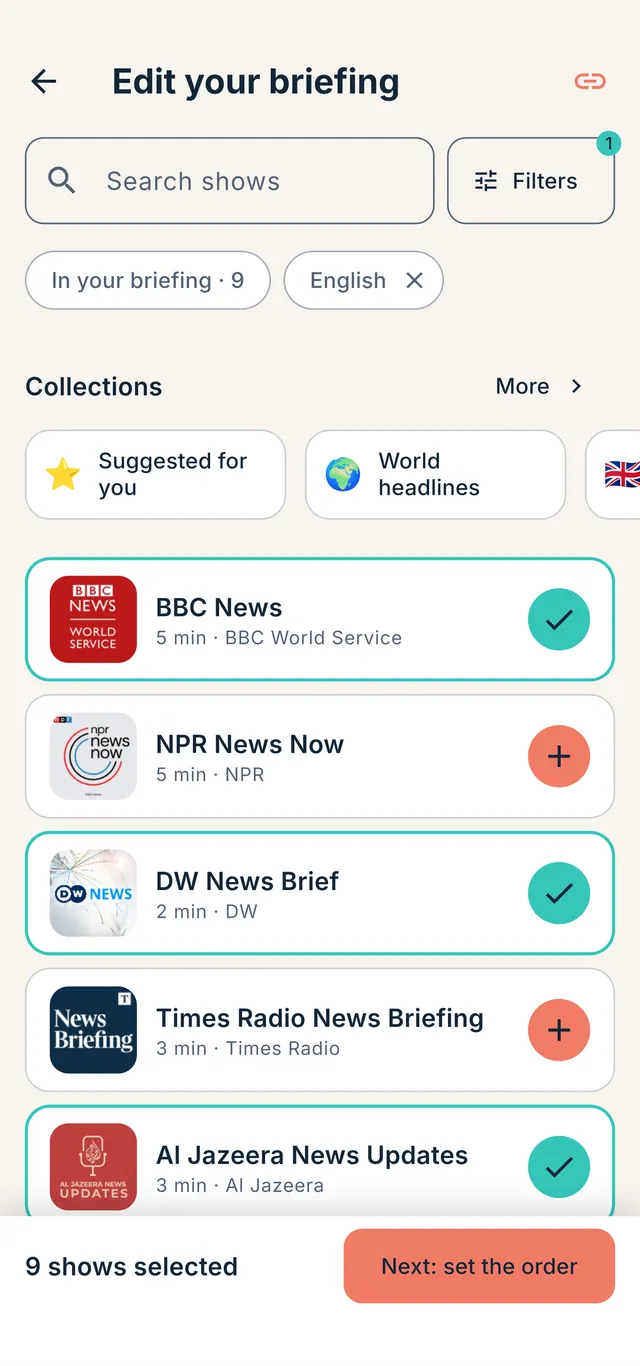
Choose shows from the catalogue. Preview an edition before adding its show to your briefing.

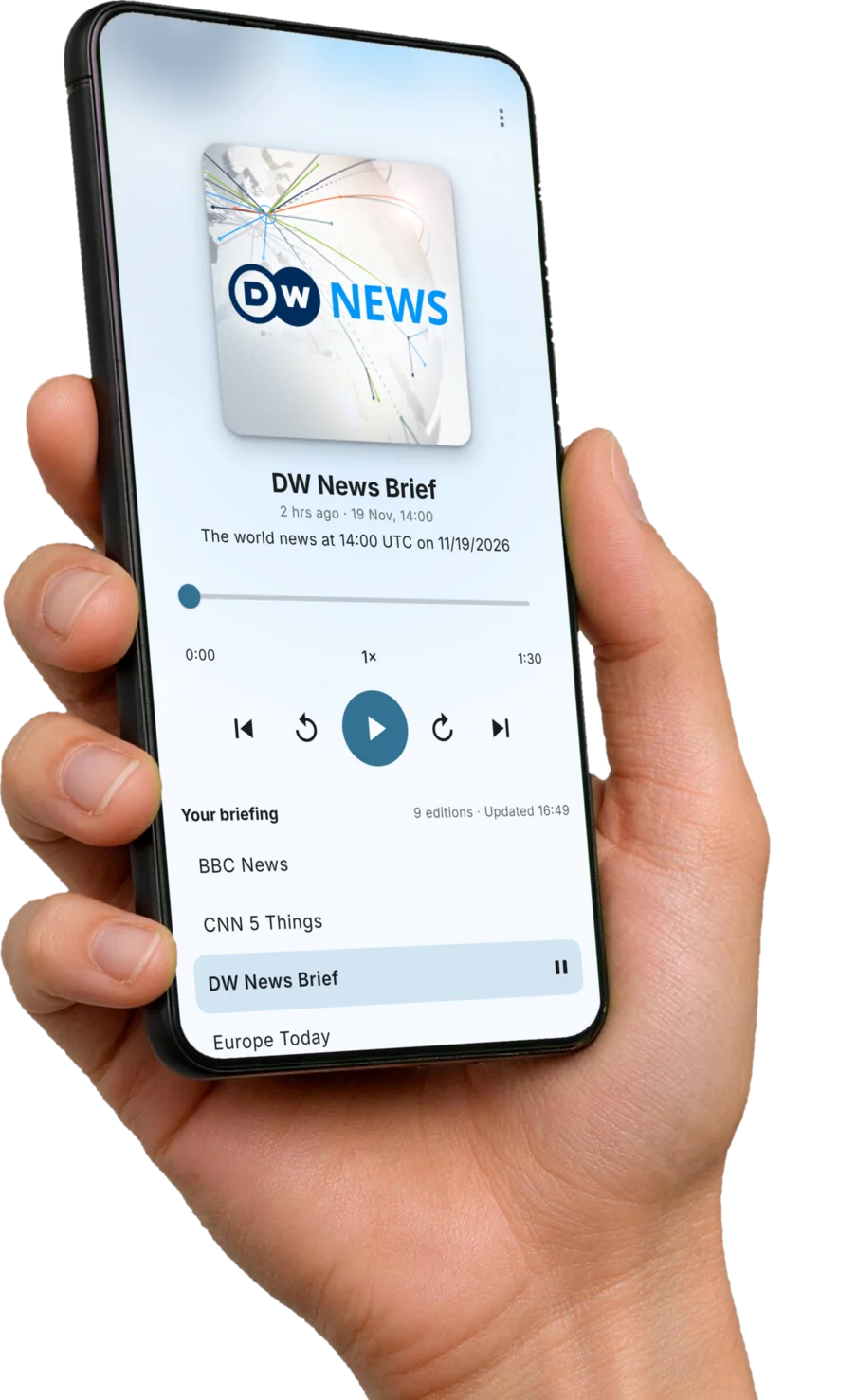
Stay up to date with the news you care about. Listen to the newest editions of your favourite news shows, joined together in one personal briefing.


“Notify me” needs JavaScript. Turn it on in your browser to sign up.
Knowing what happens in the world helps you follow the conversations and decisions that matter to you. The hard part is finding the time. NewsRelay fits the news into moments you already have.

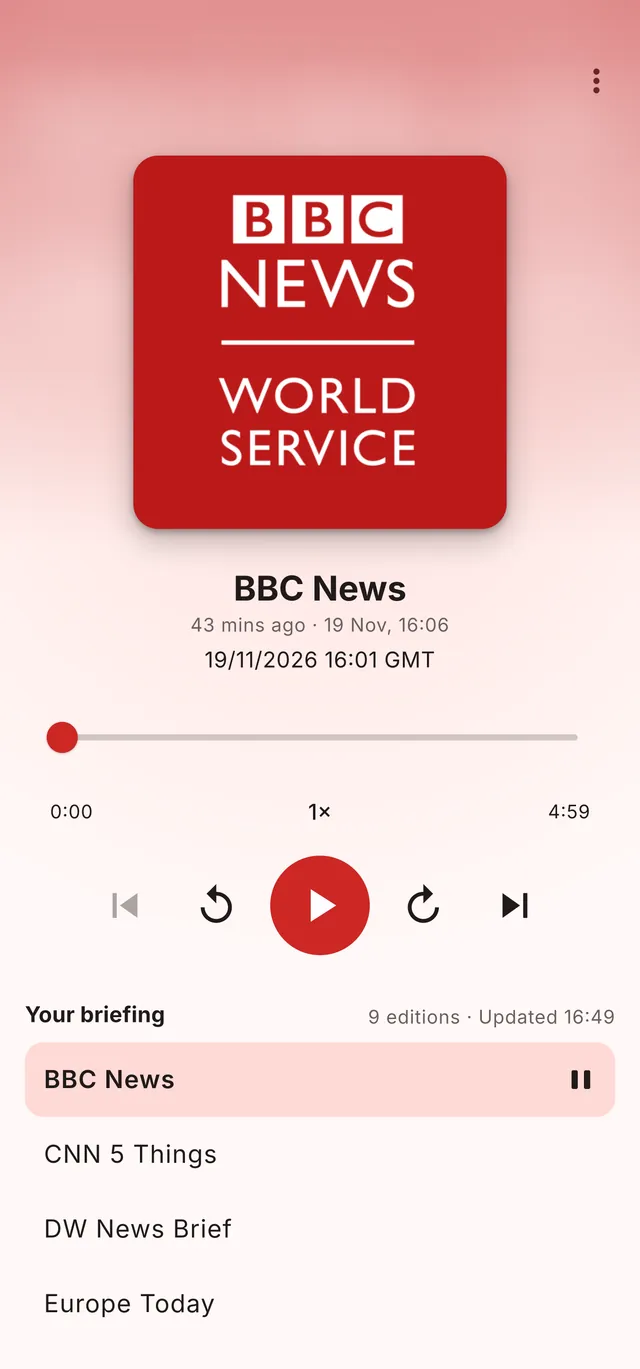
5 minutes. One short bulletin while the coffee brews.
 BBC NewsBBC World Service5 min

20 minutes. A few shows, one after another, on the train or on foot.
 NPR News NowNPR5 min
 DW News BriefDW2 min
 Up FirstNPR13 min

45 minutes. A longer briefing, hands free.
 FT News BriefingFinancial Times12 min
 Reuters World NewsReuters13 min
 Europe TodayEuronews20 min

As long as you like. Enjoy today’s news on a calm evening.
Your briefing is as long as the shows you choose. Come back during the day for the newest editions your publishers have released.
Podcast players are built around following podcasts and listening to episodes. NewsRelay is built for a daily routine. It brings the newest edition of each of your shows into one briefing, in your chosen order.
If you miss Google Assistant’s “Play the news,” you’ll feel right at home.
Choose your shows once. NewsRelay looks for a matching edition of each show and builds your briefing in the order you saved. No need to queue individual editions.
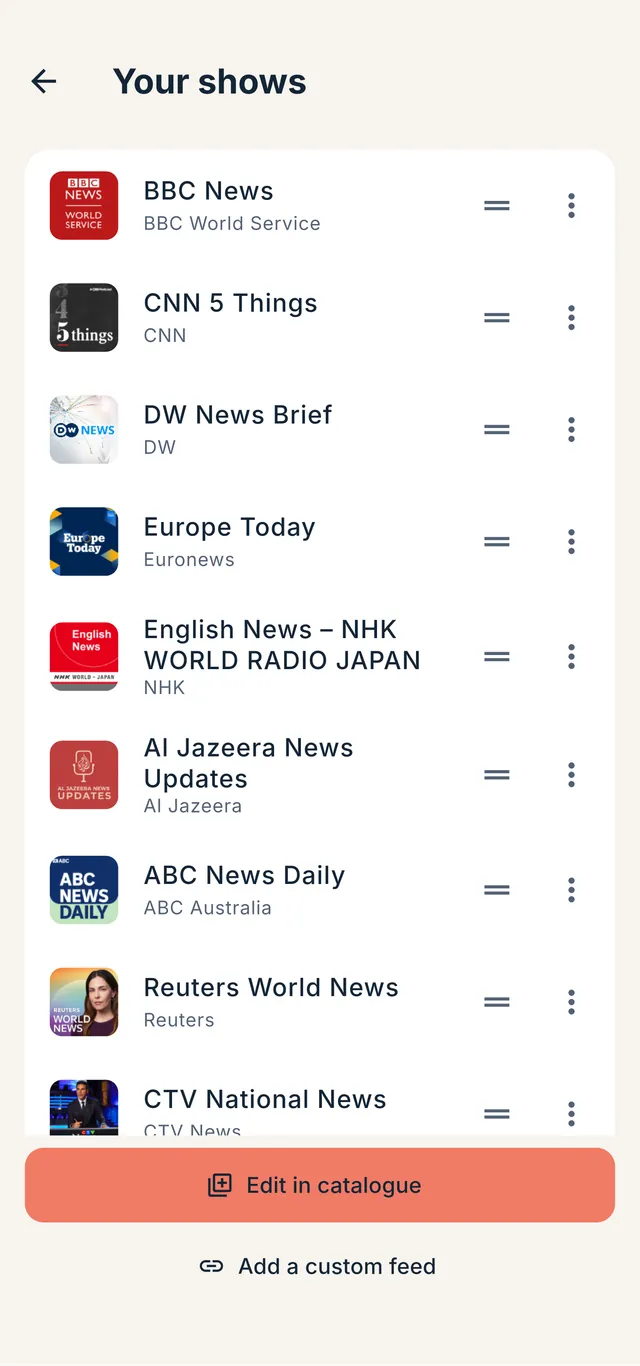
Choose shows from the catalogue. Preview an edition before adding its show to your briefing.
Arrange your shows in the order you want to hear them. Your order stays saved for the next briefing.
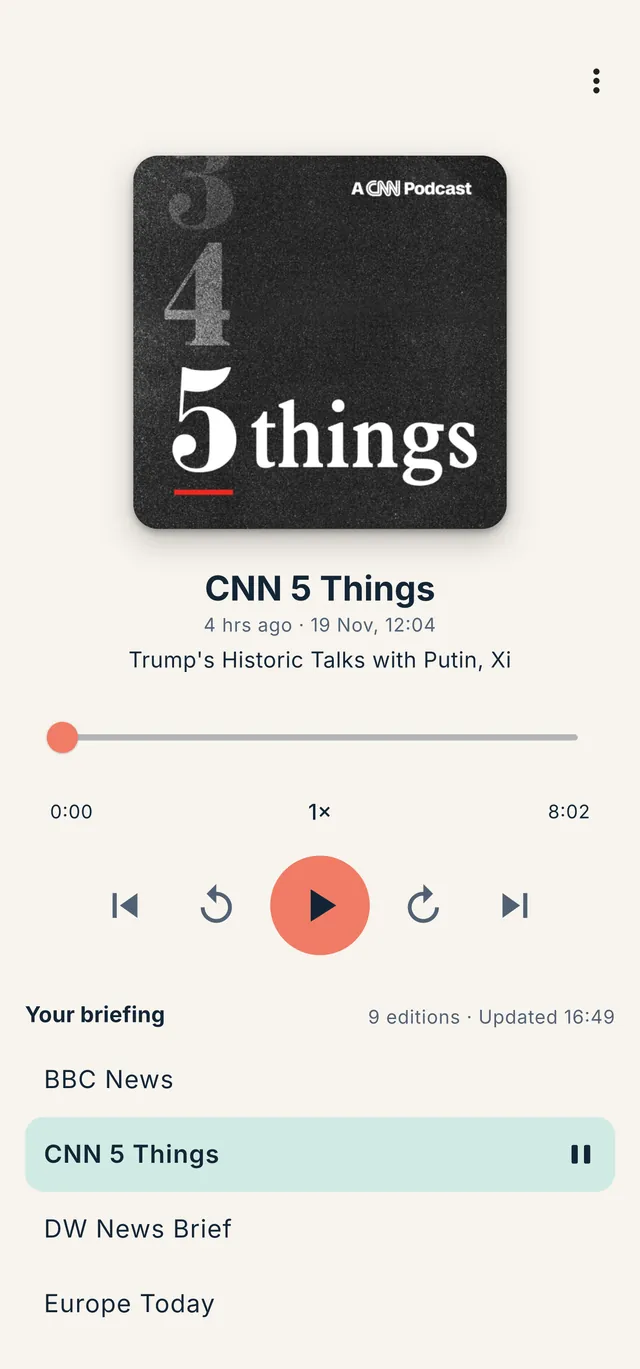
Press Play when you’re ready. Hear the editions of your shows in order, one after another.
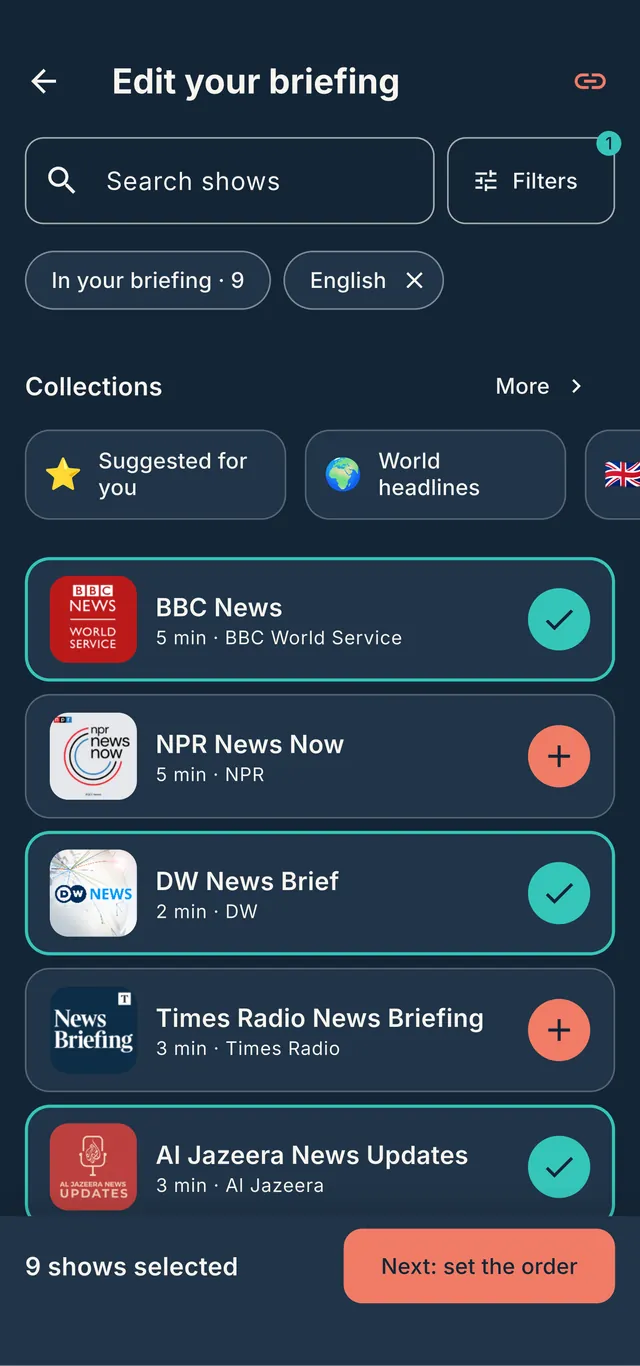
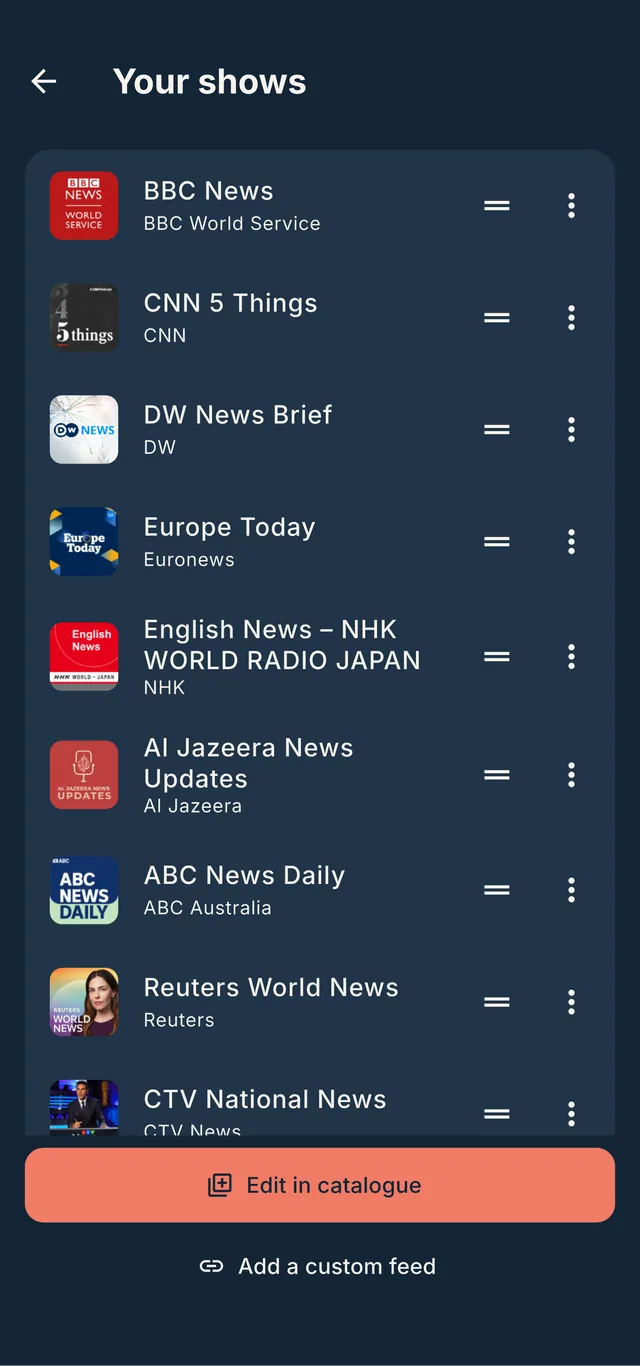
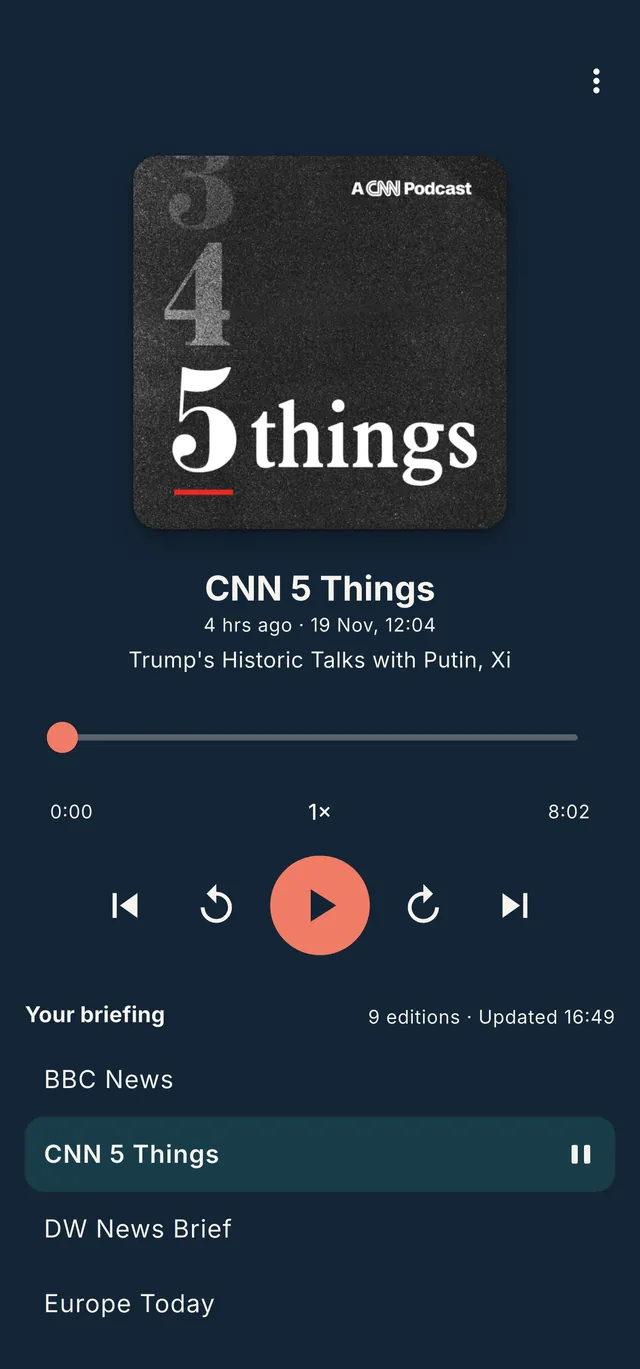 Loading screenshots…Could not load the screenshots. Try again.
Explore a curated catalogue of news shows from different countries and in different languages. Find shows by coverage, audio language, or topic. Your favourite show is missing? Add it yourself with its RSS feed link.












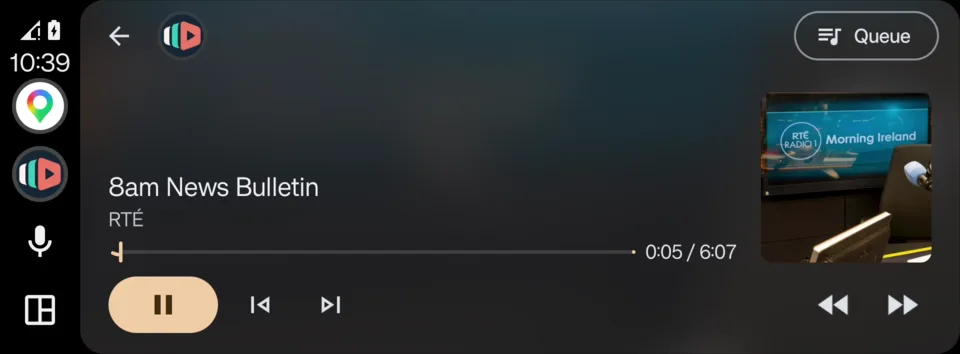
Listen to your briefing with Android Auto and use your car’s playback controls. Stay up to date wherever the road takes you.
Apple CarPlay support is coming with the iOS app.
NewsRelay builds a briefing around your saved shows and their order. You choose the shows once instead of queuing individual episodes.
For each show, it looks for the newest edition that matches your freshness settings.
Choose Latest available or Recent within. Recent within uses a rolling window, with 24 hours as the default.
Publishers control release times, so a show may have no matching edition. After a failed refresh of a show, a previous edition can remain if it still matches your settings.
Choose a show from the catalogue or add one using its RSS or Atom feed URL. The feed must include recorded audio editions. Live streams are not supported. Shows can use different audio languages; the app interface remains English.
The publishers produce the journalism. NewsRelay arranges their audio in your briefing. Publisher advertisements remain in the audio.
Yes. Play your briefing and control listening with Android Auto. Choose your shows and set their order on your phone.
No account is required to use the app.
NewsRelay streams audio from publishers, so you need an internet connection to listen. It does not download audio for offline listening.
iOS is coming soon. Select “Notify me” on this page to get an email when it is available.
“Notify me” needs JavaScript. Turn it on in your browser to sign up.